Supported AI builders
Build your frontend with an AI tool, push it to GitHub, and transjt turns it into a HubSpot or WordPress theme.
Supported tools









transjt currently tests and supports:
- Lovable
- v0
- bolt.new
- Claude Code
- Figma Make
- builder.io
- Replit
- rocket.new
- Base44
Each tool has a step-by-step page on transjt.ai, for example Lovable to HubSpot or Claude Code to HubSpot.
Your tool is not on the list? Other AI builders work too. Add this instruction to your prompt, so the tool creates code transjt can read:
The one prompt rule
For the best result, add this line to your AI prompt:
transjt reads a React app built with Vite. Frameworks with server-side rendering, such as Next.js, do not convert cleanly.
Let us write the prompt: Website Prompt Generator
Don't want to write the prompt yourself? The free Website Prompt Generator turns a few simple answers into a complete prompt for Lovable, v0, bolt.new or Claude Code. The React/Vite instruction is already included, and the prompt lands in your inbox.
Open the Website Prompt Generator →
How it works
- Build your site in the AI tool.
- Push the code to a GitHub repository.
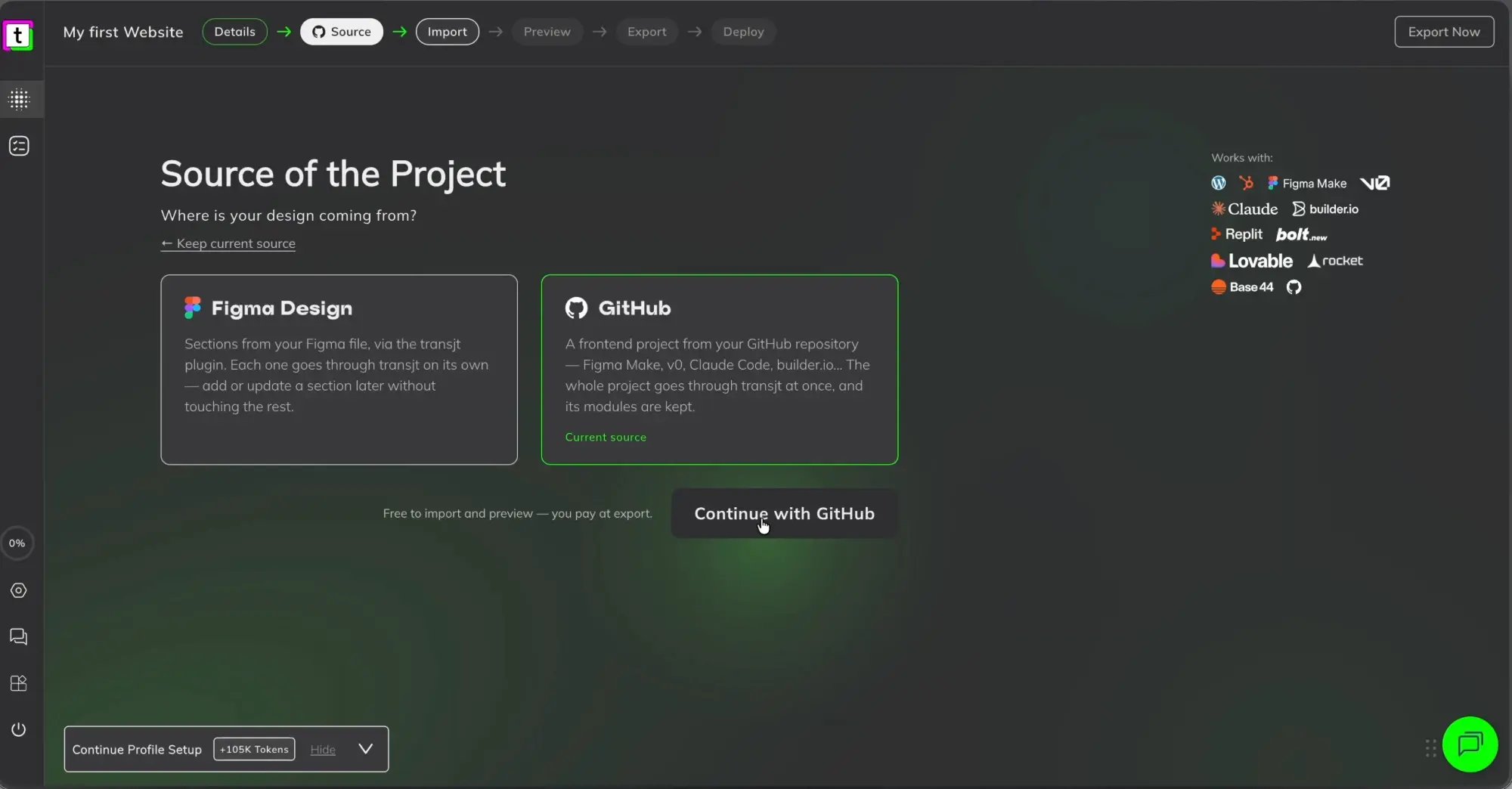
- In transjt, create a project, choose GitHub in the Source step and click Continue with GitHub.
- Select the repository and branch. transjt imports the code and builds the frontend.
- Preview every page, then export to HubSpot or WordPress.
What you get
- Content, not code. Every section becomes a Gutenberg block or a HubSpot module with real content fields, so anyone can change a headline without breaking the page.
- Forms that send. Forms come out as working Contact Form 7 or HubSpot forms.
- A real blog. Post pages, listings, tags, pagination and filters. Write a post in the CMS and it shows up in your design.
- Menus that update themselves. The header follows your WordPress menu or HubSpot navigation. Add a page in the CMS and it appears in the menu, without editing the theme.
- The full site. All pages and their content are mapped to HubSpot or WordPress.