























AI to HubSpot — Eight Builders, One Conversion.
However your frontend got made — prompted in Lovable, generated by Figma Make, written with Claude Code — transjt converts it into native HubL modules your marketing team can rearrange in the drag-and-drop editor. Pick the tool you built with below.
How it works
Every AI builder transjt converts to HubSpot
Eight routes into CMS Hub, one conversion engine. Choose the tool you built with for its setup steps, stack requirements and what lands in your design manager.
-
Claude Code to HubSpot
Written in your terminal and already in git, so nothing needs exporting. transjt returns HubL templates and module definitions you can read and review before handing them to a client.
Claude Code to HubSpot -
bolt.new to HubSpot
Prompted in the browser on StackBlitz's WebContainers. Converting turns a convincing demo into pages your marketing team can actually operate and report on.
bolt.new to HubSpot -
Replit to HubSpot
Built in a cloud workspace, separate from everything else you run. Converting puts the site alongside the CRM, email and reporting your team already works in.
Replit to HubSpot -
v0 to HubSpot
Vercel's prompt-to-UI tool, leaning heavily on Tailwind and shadcn/ui. Worth knowing up front: v0 defaults to Next.js server components, and HubSpot renders HubL server-side instead.
v0 to HubSpot -
Lovable to HubSpot
The easiest starting point, since Lovable already outputs React with Vite and syncs to GitHub itself. Nothing to reconfigure before the conversion runs.
Lovable to HubSpot -
Builder.io to HubSpot
Visual builds and Visual Copilot output. Converting drops the SDK and gives HubSpot native modules, which is also what makes CRM personalisation and attribution work.
Builder.io to HubSpot -
Figma Make to HubSpot
Real React components from a design file rather than a static frame, so the modules marketers build with carry your type scale and spacing rather than an approximation of it.
Figma Make to HubSpot -
Rocket to HubSpot
Generated at rocket.new as a complete application. Converting keeps the frontend and hands forms, contacts and content storage to HubSpot, which already provides them.
Rocket to HubSpot
Your Entire Stack, Integrated:
Supercharge your design-to-deployment pipeline. Leverage the combined power of Google Stitch, Relume, and UX Pilot to craft high-fidelity designs, export them directly to Figma, and use transjt.ai to seamlessly push your final vision into HubSpot or WordPress.Ideation
transjt.ai
CMS integration
Flexible AI Workflow
Design in Figma or import from GitHub
-
Export Design from Figma
Design in Figma
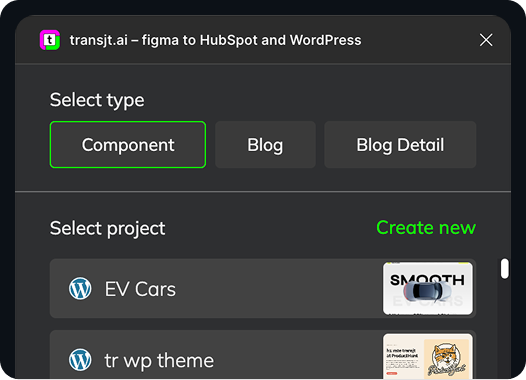
Design in Figma and use our plugin to export your components straight into HubSpot modules.
Learn more
-
Import from GitHub
Sync Code with GitHub
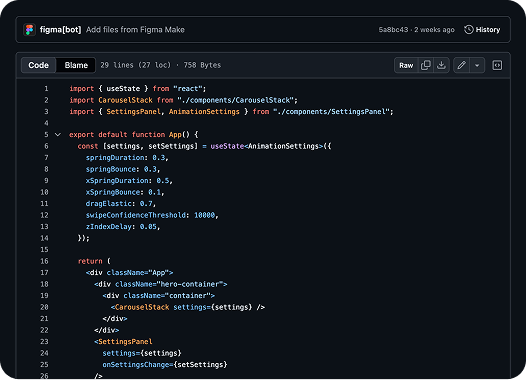
Bring your GitHub repository and convert an entire project into a ready-to-upload HubSpot theme.
Learn more
From Code to full CMS Integration:
Ready to move your AI build into HubSpot?
Why AI-generated code needs converting at all
HubSpot’s core strength lies in its comprehensive nature – CRM, marketing automation, sales tools, customer service, and CMS all under one roof. For many businesses, the out-of-the-box functionality is powerful enough to get started. However, as businesses scale and their needs become more complex, the limitations of standard configurations begin to appear. This is where a skilled HubSpot developer becomes invaluable.