v0 to HubSpot — Components to HubL Modules.
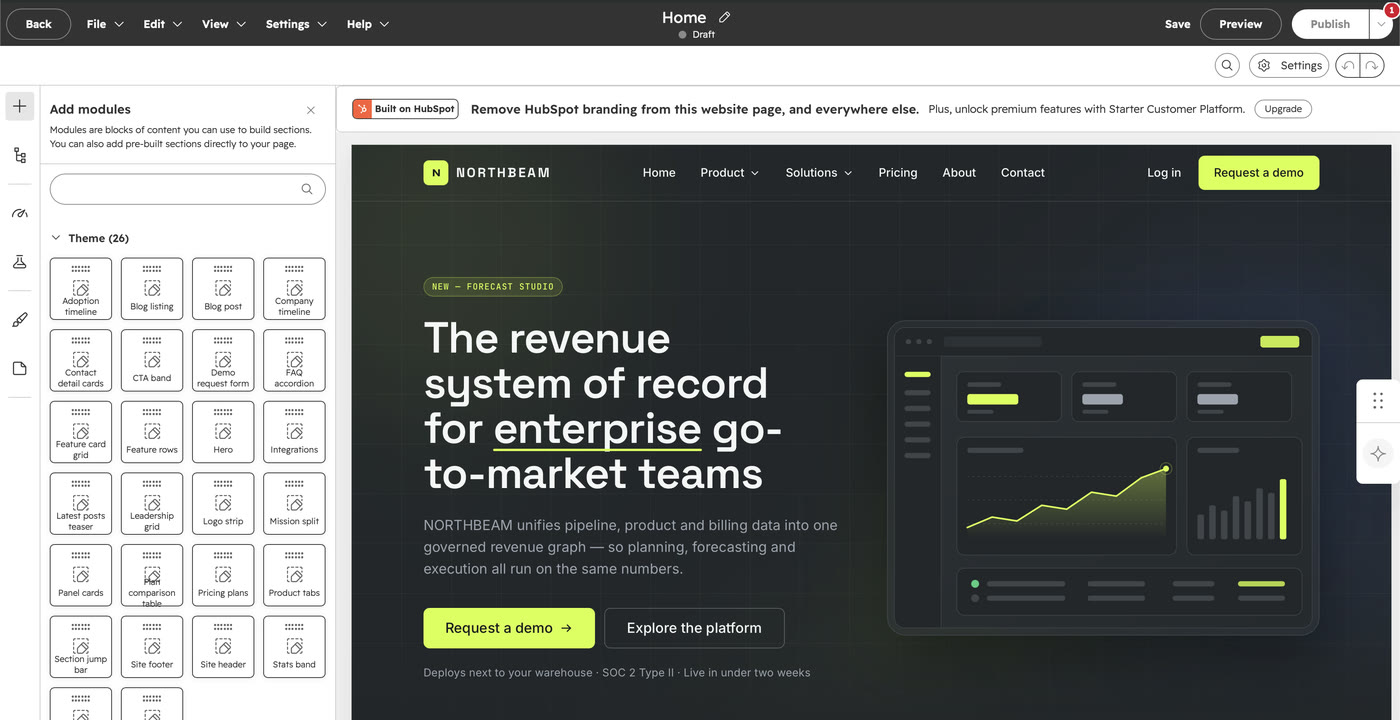
Prompted your UI in v0? transjt handles the v0 to HubSpot conversion automatically. Vercel's Tailwind and shadcn/ui output becomes native HubL modules your marketing team can rearrange in the drag-and-drop editor.
Payment after Preview
Trusted by agencies, freelancers and marketing teams
















Convert v0 to HubSpot in four steps.
From your v0 project to a native HubSpot theme, by way of GitHub.

Generate your UI in v0
Prompt v0 until the interface is right. For a clean conversion, ask for a plain React + Vite output, or a Next.js static export, rather than v0's default server-rendered App Router. Tailwind and shadcn/ui components convert as-is.

Push the project to GitHub
Export from v0 and sync the repository. GitHub is the bridge transjt reads from. This works the same whether you export from Vercel or push the code yourself, and every conversion stays version-controlled.
Connect the repo to transjt
Authorize GitHub in your transjt project and select the repository. transjt reads the component tree and resolves your Tailwind configuration before converting anything.

Export to HubSpot
Choose HubSpot as the target CMS and review the live preview. Confirm, and transjt writes a native theme with HubL templates and editable modules, ready to upload into Content Hub.
You can also connect other coding tools.
All AI builders on one page: AI to HubSpot.








 HubSpot
 Figma
 G2
What our clients say.

 Customers
“We’d seen plenty of tools promise magic for page and theme creation, but they always under-delivered. Transjt proved to be the exception.”
 KevinThinkFuel
We’d seen plenty of tools promise magic for page and theme creation, but they always under-delivered. Transjt proved to be the exception.
Transjt made importing designs from third parties effortless. … Their support made a complex process simple and stress-free.
What would have traditionally required weeks of custom development was completed in just a few days with minimal adjustment.
Great tool that can take your designs into Hubspot in matter of minutes! Love it!
This tool is amazing! It saved me hours of manual coding by converting my Figma designs into clean, responsive layouts.
Turning the Figma design of our new website into a HubSpot webpage was extremely smooth and fast. Saved many hours - if not days - of coding time. Easy and rapid iterations.
The Figma to HubSpot conversion is fast and accurate. It saves hours of manual development when creating HubSpot modules and keeps excellent visual fidelity to the original design.
We’re using it to automate all the drag and drop modules. It’s working very well and we’ve been able to create modules with a high degree of customization.
Easy onboarding and has a great UI. Importing is fast, and the AI enhancements are decent. Good price. Easy to integrate as well.
Very precise design export, and really useful because components don’t get exported as images.
Great tool to export fast design to WordPress.
Once you understand how the system works, transjt becomes a very efficient tool that significantly improves both workflow speed and quality scalability. The support team is responsive and helpful.
- 95–99%of the finished code, on a well-structured file
- ∞AI builders to import from, plus Figma
- 2native CMS targets: HubSpot and WordPress
- 1 clickto export. A couple of minutes later the theme is in your account