




























replit logo HubSpot

Replit to HubSpot — Workspace to Editable Modules.

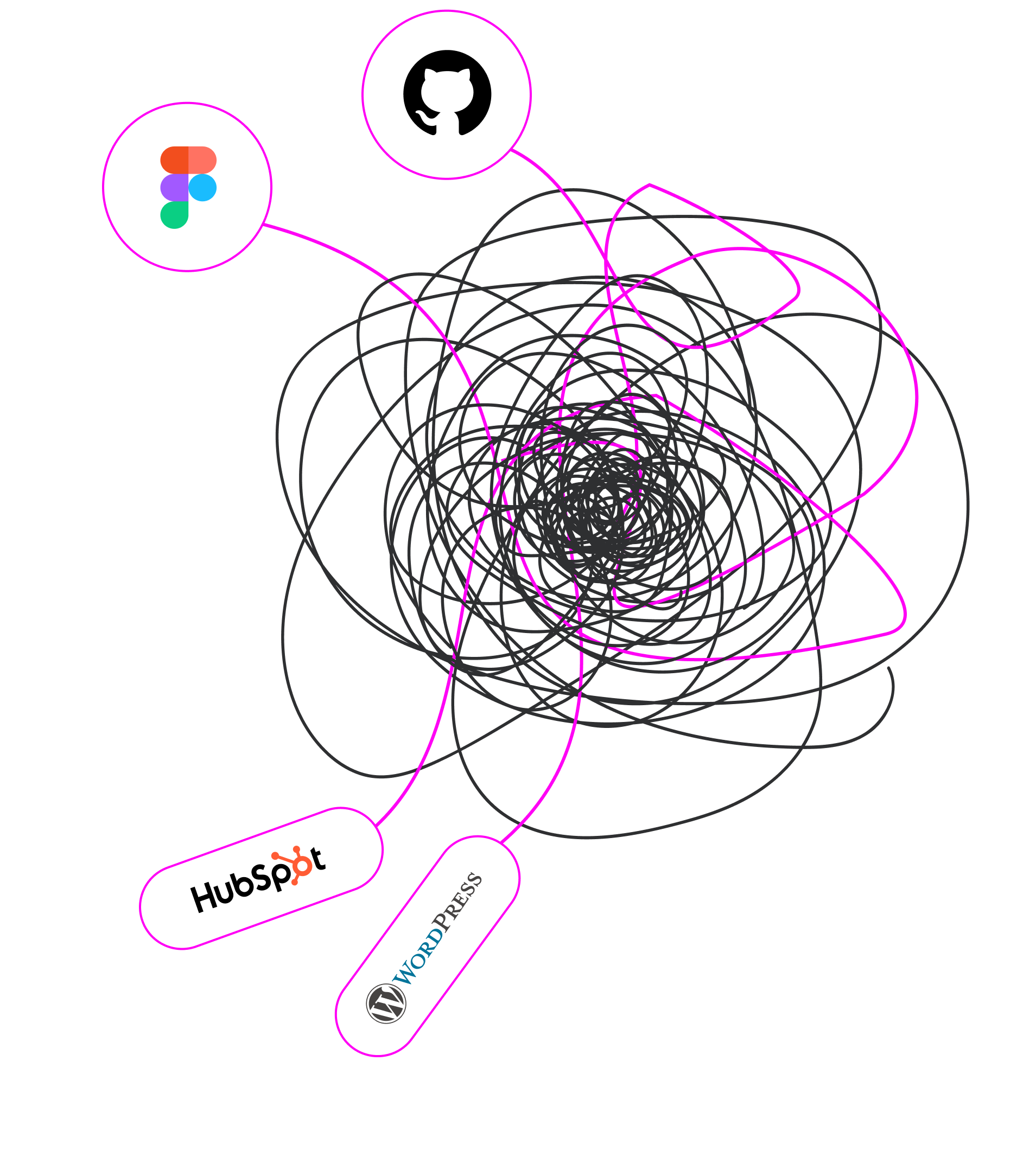
Built it in Replit? transjt handles the Replit to HubSpot conversion automatically — your frontend leaves the workspace and becomes native HubL modules, sitting alongside the CRM your team already works in.

Start Free – Pay after Preview No Credit Card Required. Money Back Guarantee
Trusted by:
vendortell-3
sparkforce
tier-one
learnslice
orixcom
merritt
poscash
md market design
worky
qxo
sweep
traceair
Remotelock
nexapp
travelnest-1
america AA-1

When to convert Replit to HubSpot

Register for Free

Six situations where a Replit project belongs in HubSpot rather than in a deployment.

  • CMS Integration is missing_

    The site should sit where the CRM already is

    If contacts, email and reporting live in HubSpot, hosting the website somewhere else means stitching the two together forever. transjt converts your Replit frontend into a native theme so there is nothing to stitch.

  • ready project by yesterday_

    Marketing shouldn't need workspace access

    Changing a headline in a Repl means opening the workspace and redeploying — a poor use of everyone's afternoon. Converted into modules, that copy is editable in HubSpot by the person who wrote it.

  • dev-team is busy_

    Replit Agent built a stack you don't need

    Agent scaffolds databases, auth and API routes readily. HubSpot already provides forms, contact records and content storage, so conversion keeps your interface and retires the plumbing.

  • running out of time_

    Nobody on the team writes HubL

    HubSpot's templating language is used nowhere else, and learning it to ship one site is a poor trade. transjt writes that layer, so the conversion needs no HubSpot specialist at all.

  • running out of budget

    Every campaign page is currently a deployment

    New landing pages should not require a developer and a redeploy. As HubSpot modules, your team assembles them from components you already designed, in the editor, in minutes.

  • cant code hubl theme_

    You need attribution, not guesswork

    Tying pages to pipeline requires them to be HubSpot content. Convert the Replit build into a native theme and sessions, form fills and touchpoints report against real deals without extra tracking work.

Do the math:
How many components did you build in Replit?

How it works

Convert Replit to HubSpot in four steps

  • Build your frontend in Replit

    Work in the workspace as usual. For a clean conversion, keep the frontend on React with Vite without server-side rendering — HubSpot renders HubL on its own servers, so a client-rendered frontend is what converts cleanly.

  • Connect the Repl to GitHub

    Use Replit's built-in Git integration to push the project to a repository. transjt reads from there, and the commit history records which version of the design produced which theme.

  • Connect the repo to transjt

    Authorize GitHub in your transjt project and select the repository. transjt reads the component tree and decides which parts become HubL templates and which become module fields marketers can edit.

  • Export to HubSpot

    Choose HubSpot and review the preview. Confirm, and transjt writes a native theme you upload through the design manager, where the modules appear in the page editor ready to build with.

Not only Replit:

You can also connect other Coding tools and integrate them with transjt.ai

Release in hours, not weeks: Benefit from a seamless design to HubSpot or WordPress CMS integration with AI

Freelance Designers HubSpot Agencies Marketing Teams
Made for Corporates, Agencies and Marketing Teams

Save Time. Reduce Costs.
Let transjt Do the Heavy Lifting.
transjt helps you streamline the entire design-to-code integration process — saving both time and money.

Example: This page design took 2 days to create and was fine-tuned in just 1 hour. The rest? Done automatically by transjt — resulting in a total time saving of approximately 40-60 hours.

Sounds good, right?

Start Free Now
sizzle

Replit

Ready to move your Replit build into HubSpot?

Start Free Now

What a Replit to HubSpot theme actually contains

HubSpot's CMS exists so a marketer can restructure a page and personalise it against CRM data without opening code. That is exactly why a React frontend cannot be dropped in as-is: its components must first become HubL modules with defined editable fields. transjt automates that translation, so work built in a cloud workspace lands as a native theme inside the system your revenue team already runs on.

Replit to HubSpot FAQ

What to expect when converting a Replit project into a HubSpot theme.