















From Design to Blocks: How Code-Free Figma Gutenberg Conversion Actually Works
The Fast Path: AI-Powered Block Conversion
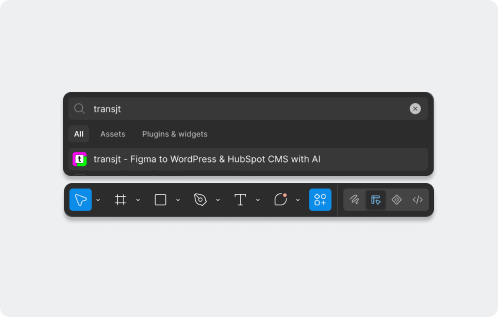
Instead of manually rebuilding every section, an AI-powered converter reads your Figma layout — columns, headings, buttons, spacing, and Auto Layout structure — and translates it into native WordPress Gutenberg blocks with your visual styles intact. This is where transjt.ai excels: you design in Figma, run the plugin, and instantly receive a responsive layout built from core blocks (Group, Columns, Heading, Image, Buttons) that maps cleanly to the WordPress block editor. You get pixel-perfect accuracy without touching CSS or wrestling with a page builder.
The Manual Path: The Block-Editor Rebuild Route
Prefer the traditional route? You can recreate your design by hand in the Gutenberg editor, dragging in Group, Columns, and Heading blocks one by one. It works for simple posts, but matching your exact Figma spacing, custom padding, typography, and nested layouts means constant tweaking in the block settings and often theme.json edits. It gives you control, but turns a 5-minute task into a half-day alignment struggle.
The Alternative Path: Page-Builder Converter
Other converters exist, but many dump your design into a proprietary page builder (Elementor, Divi, etc.), locking your content into a plugin and adding bloat that hurts performance. transjt.ai is built to output **native Gutenberg blocks** — no third-party builder required — so your pages stay lightweight, portable, and editable with core WordPress.