

















Native Figma Integration

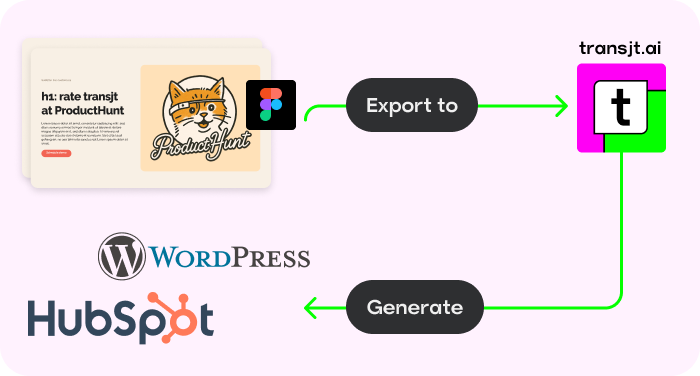
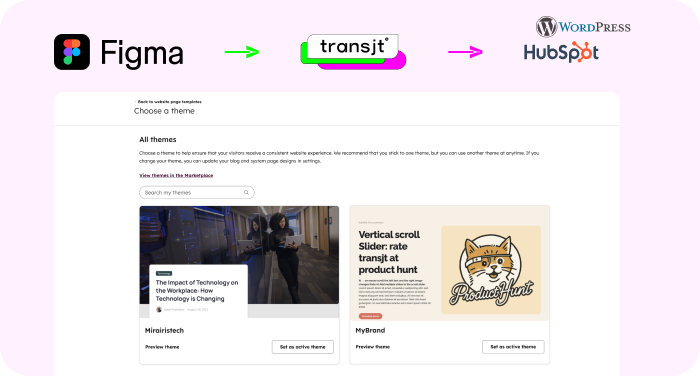
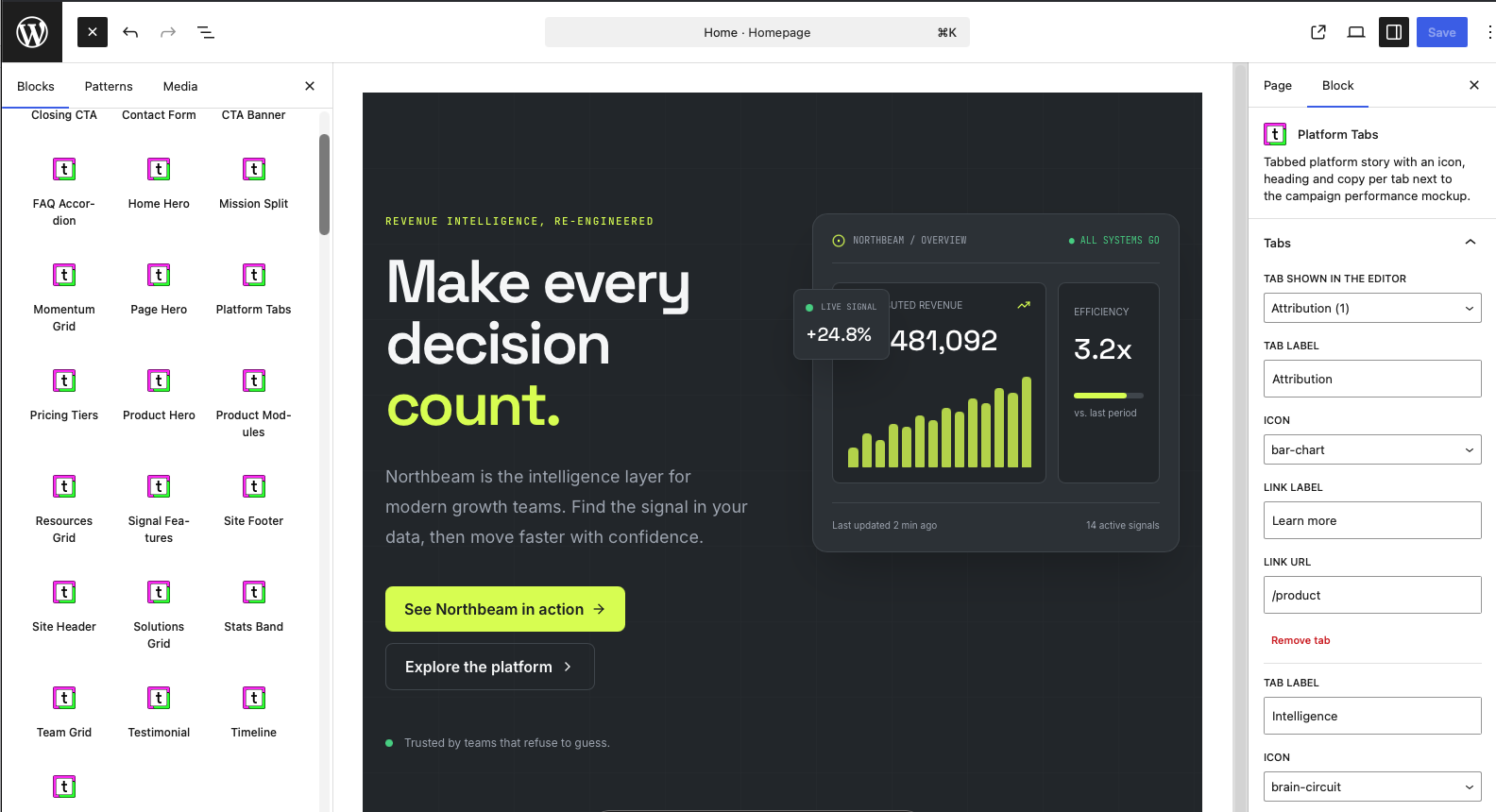
transjt converts your Figma design into a native WordPress theme: real PHP templates and Gutenberg blocks, not a page-builder export. Run the transjt plugin directly inside Figma and export a responsive, multi-language-ready theme to your WordPress site.
Many "Figma to WordPress" tools output Elementor or another page-builder layer. transjt is not a page builder and does not install one. The result is a native WordPress theme with PHP templates and Gutenberg blocks, so there is no third-party builder to license, update or work around, and the theme files belong to you.
If you searched for "Figma to WordPress Elementor": the difference is the output. A page builder stores layout inside its own format; a native theme keeps layout in templates your developers can read and version.
No Credit Card Required.
We’d seen plenty of tools promise magic for page and theme creation, but they always under-delivered. Transjt proved to be the exception. Their platform made the transition from a complex Figma file to a HubSpot theme fast and accurate, while their team provided timely and outstanding support whenever we needed assistance. Without them, it would have taken longer and cost us significantly more to handle in-house. They turned a complex project into a smooth success.
Fast support, delivered on what they promised
None
Save Time. Reduce Costs.
Let transjt Do the Heavy Lifting.
transjt helps you streamline the entire design-to-code integration process — saving both time and money.
Example: This page design took 2 days to create and was fine-tuned in just 1 hour. The rest? Done automatically by transjt — resulting in a total time saving of approximately 40-60 hours.
Sounds good, right?
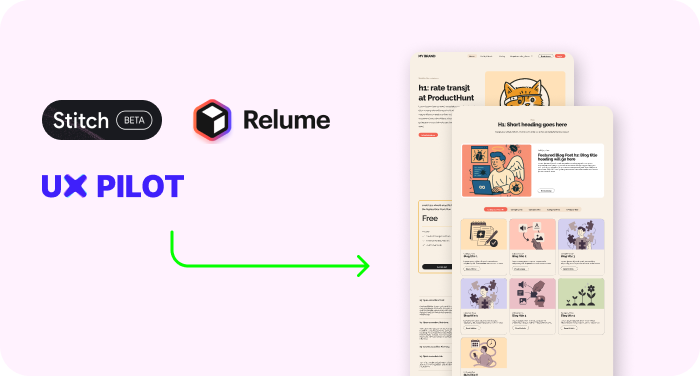
Create your design in Google Stitch, bring it into Figma, and the transjt plugin turns it into a native WordPress theme.
Generate your layout in Google Stitch, paste it into Figma, and export it with transjt as a WordPress theme with Gutenberg blocks.
How Google Stitch fits into a WordPress workflow, and what it takes to get from an AI design to a working WordPress site.
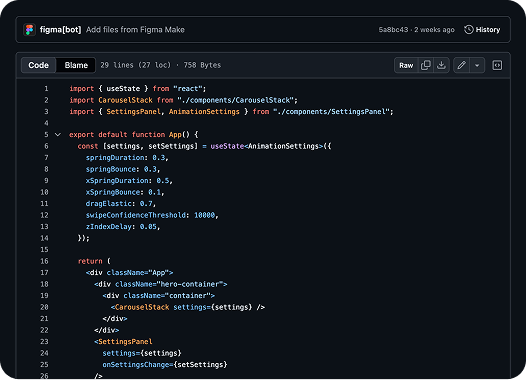
You can use Vibe Code Tools, sync the frontend code with GitHub and let transjt create a fully integrated website for HubSpot or WordPress
Bring your GitHub repository with you and convert a full website project to a fully working HubSpot Theme in one click.
Learn more
Bring your GitHub repository with you and convert a full website project to a fully working WordPress Theme in one click.
Learn more
At transjt, every second counts. That’s why our mission is simple: save you time and remove friction from your workflow.
From smart automation to intuitive design, we’re focused on delivering a seamless experience — so you can spend less time on repetitive tasks and more time on what truly matters.
You do. transjt exports a native WordPress theme to your own site, and the theme files belong to you. There is no page builder involved. Add your own code in custom.css and custom.js; both are kept when you export again.
Yes. The theme uses native Gutenberg blocks, so your team edits pages and content in the standard WordPress block editor, like on any other WordPress site. Nothing is flattened into images.
Ready within a few hours.
No. You can add custom code in custom.css and custom.js if you want to.
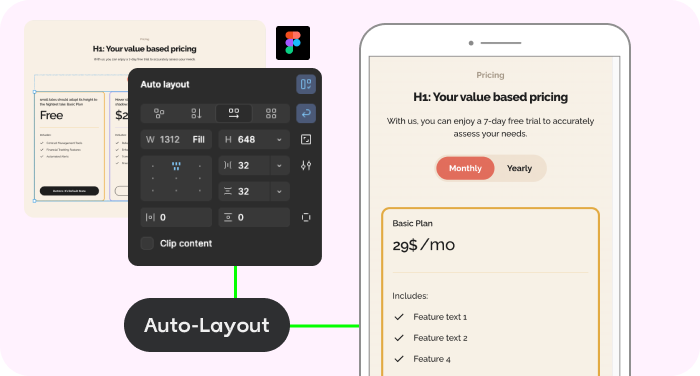
Yes: desktop, tablet and mobile layouts are included automatically.
The transjt WordPress plugin receives the converted package and installs the new theme on your site. It is not a page builder.
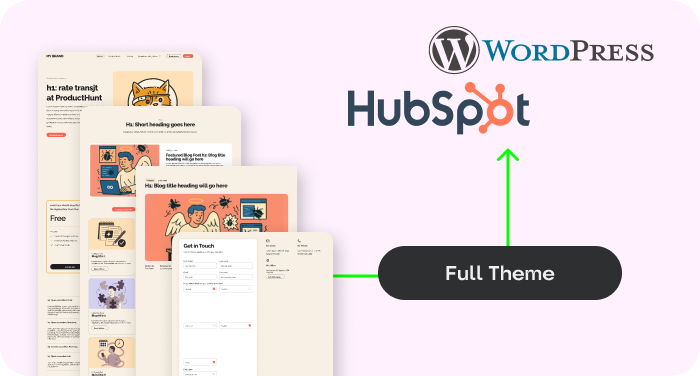
Yes. transjt exports complete site structures, including subpages, navigation, blog templates and forms, not only single pages.
For best results, use Auto Layout and reusable components in Figma. If your file is unorganized, the AI will still attempt to convert it, but a clean design produces cleaner code and saves you time afterwards.
transjt is designed to replace the need for a page builder by creating a native, high-performance theme. The code can be integrated into most workflows.