















Figma Logo – Figma to HubSpot or WordPress
WordPress CMS Logo – Figma to WordPress CMS

Convert Figma to WordPress Themes up 17x faster.

Stop rebuilding your designs from scratch. Convert your Figma files into high-performance, SEO-ready WordPress themes in minutes—not weeks.
Start for free
Trusted by:
gridavate-logo
vendortell-logo
learnslice-logo
sparkforce-logo

The Gap Between Design and
Development is Over

Traditionally, turning a Figma design into a WordPress theme meant 40+ hours of manual coding, dealing with "bloated" page builders, or losing design fidelity during the handoff.
transjt.ai uses advanced AI to bridge that gap. We parse your Figma Auto-Layouts and generate a custom, lightweight WordPress theme that looks exactly like your canvas and performs like a hand-coded masterpiece.
Open in Figma
Workflow

Native Figma Integration

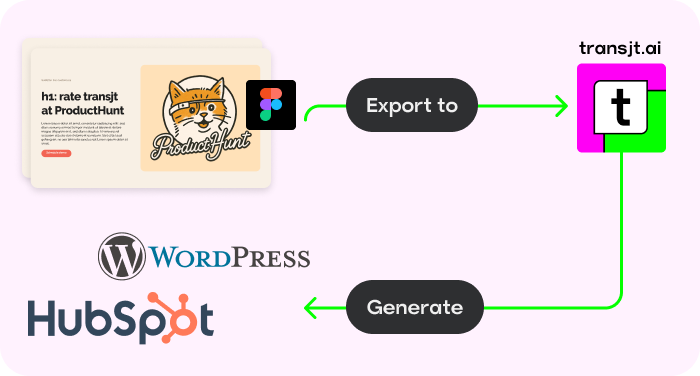
Stay in your creative flow. Activate the transjt plugin directly inside Figma to sync designs and generate code without ever leaving your canvas.
Native Figma Integration
Versatility

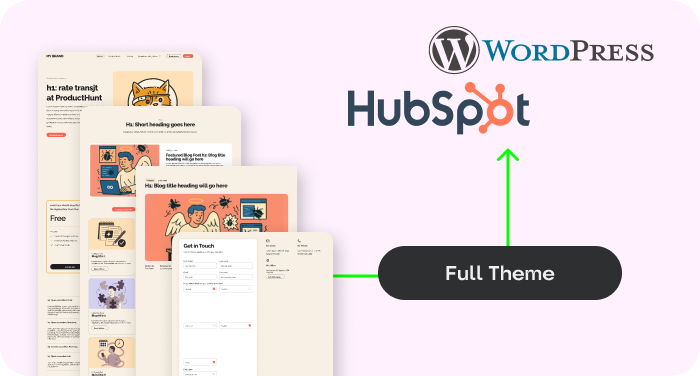
Build Complete Sites, Blogs and Forms

Don't stop at single pages. Create entire websites, high-converting landing pages, blogs, and functional forms with zero limitations.
HubSpot Wordpress Theme
Automation

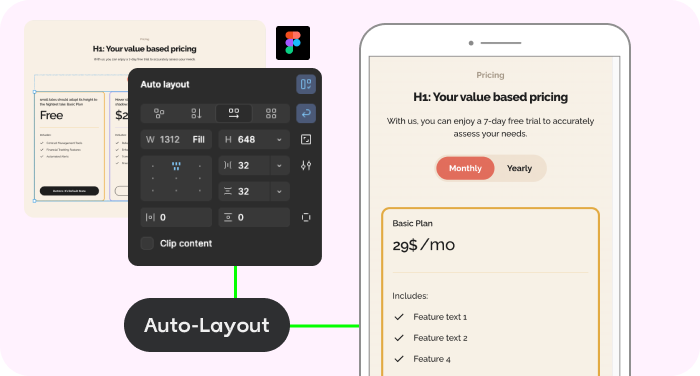
AI Auto-Responsive Layouts

Forget media queries. Our AI automatically adapts your layout to mobile, tablet, and desktop, ensuring a flawless experience everywhere.
Figma Auto-layout
Scalability

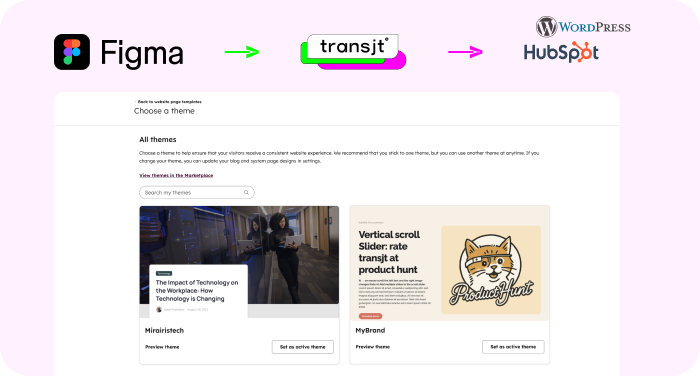
Custom Themes

Convert designs into dynamic WordPress themes with reusable components, giving you the power to build and scale pages independently.
figma-transjt-wordpress-hubspot
Versatile

Works with other Tools

Use transjt.ai with Google Stitch, Relume, or UX Pilot to create AI-generated Figma designs and seamlessly export them directly into WordPress.
tools ux pilot, relume, stitch

Calculate your time savings:
How many components did you design in Figma?

10
Sign Up Now

With transjt you:

... save time: 40h*
... save money: $3,560
... have a happy client: 100%
*Approximate estimate of your time and money savings
transjt - figma to WordPressexport
How It Works: From Canvas to CMS in 3 Steps

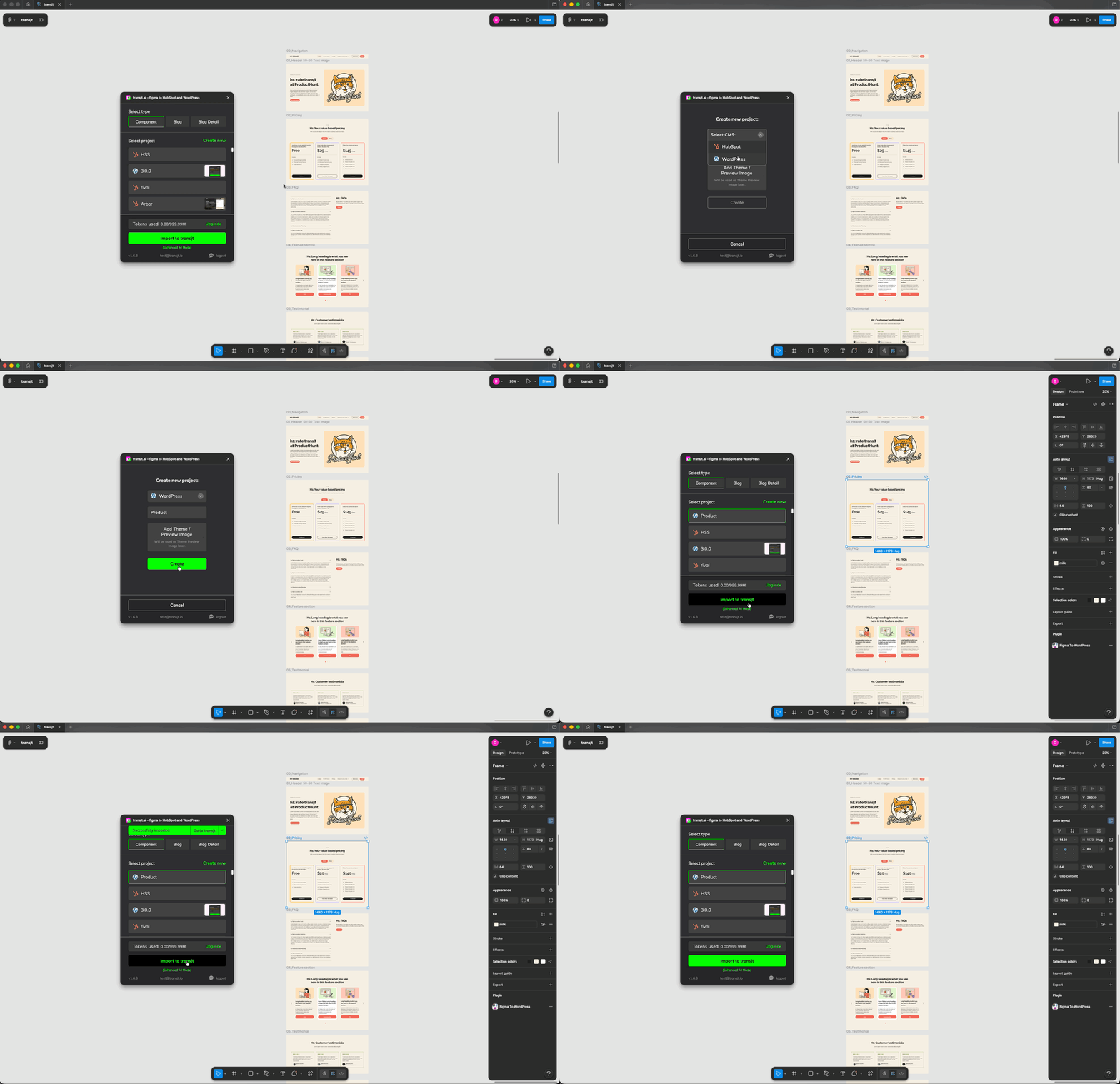
Import your Figma components

Import your Figma design components into transjt directly from your Figma project with help of the native plugin. The AI analyzes the components, styles, and layouts and creates working responsive components.
transjt - review result
How It Works: From Canvas to CMS in 3 Steps

Review the result

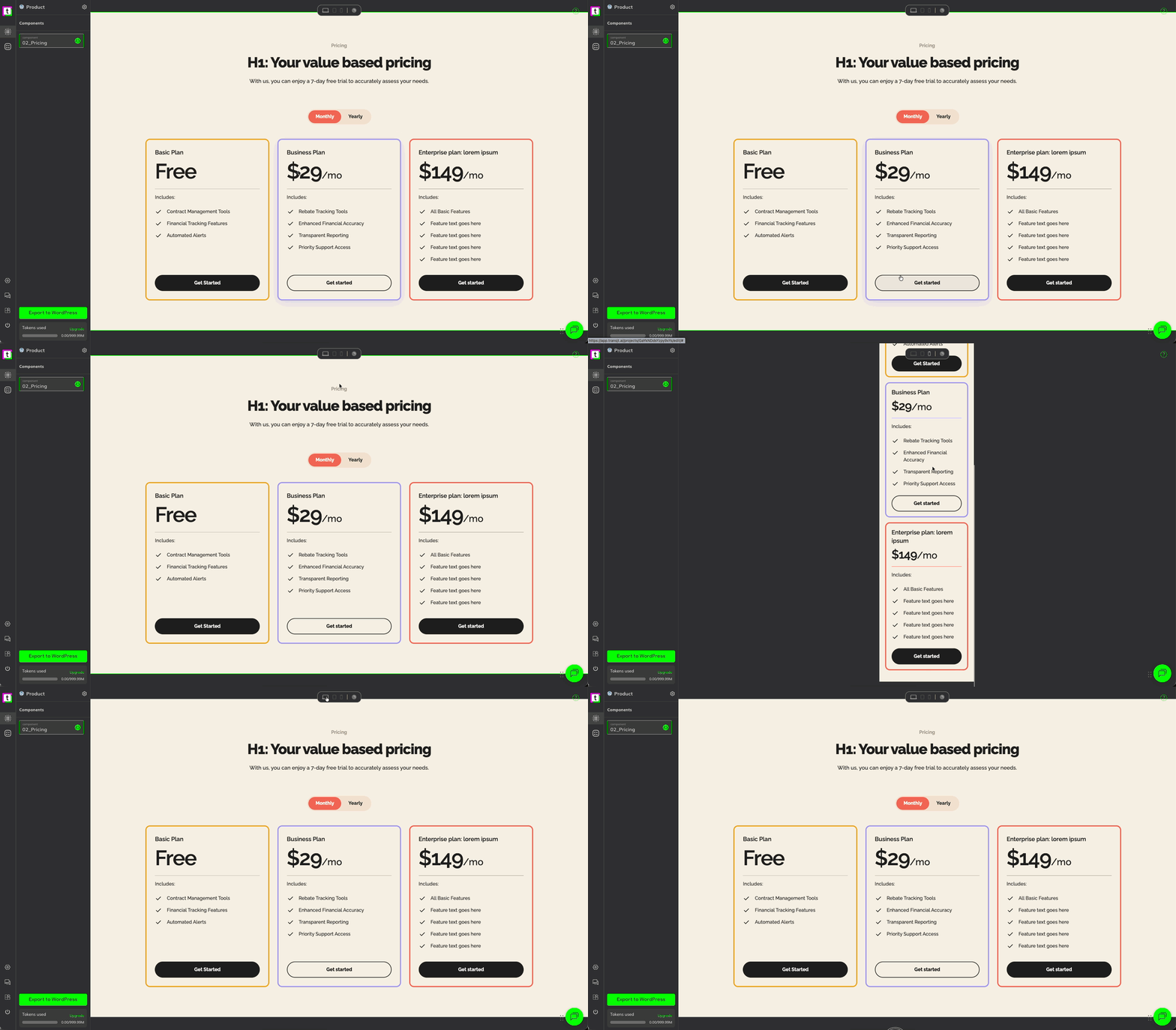
Use our live preview inside of the transjt app to see how your design looks as code. Tweak your Auto-Layout settings if needed to ensure pixel-perfect conversion.
transjt - exoort Design to WordPress
How It Works: From Canvas to CMS in 3 Steps

Export to WordPress

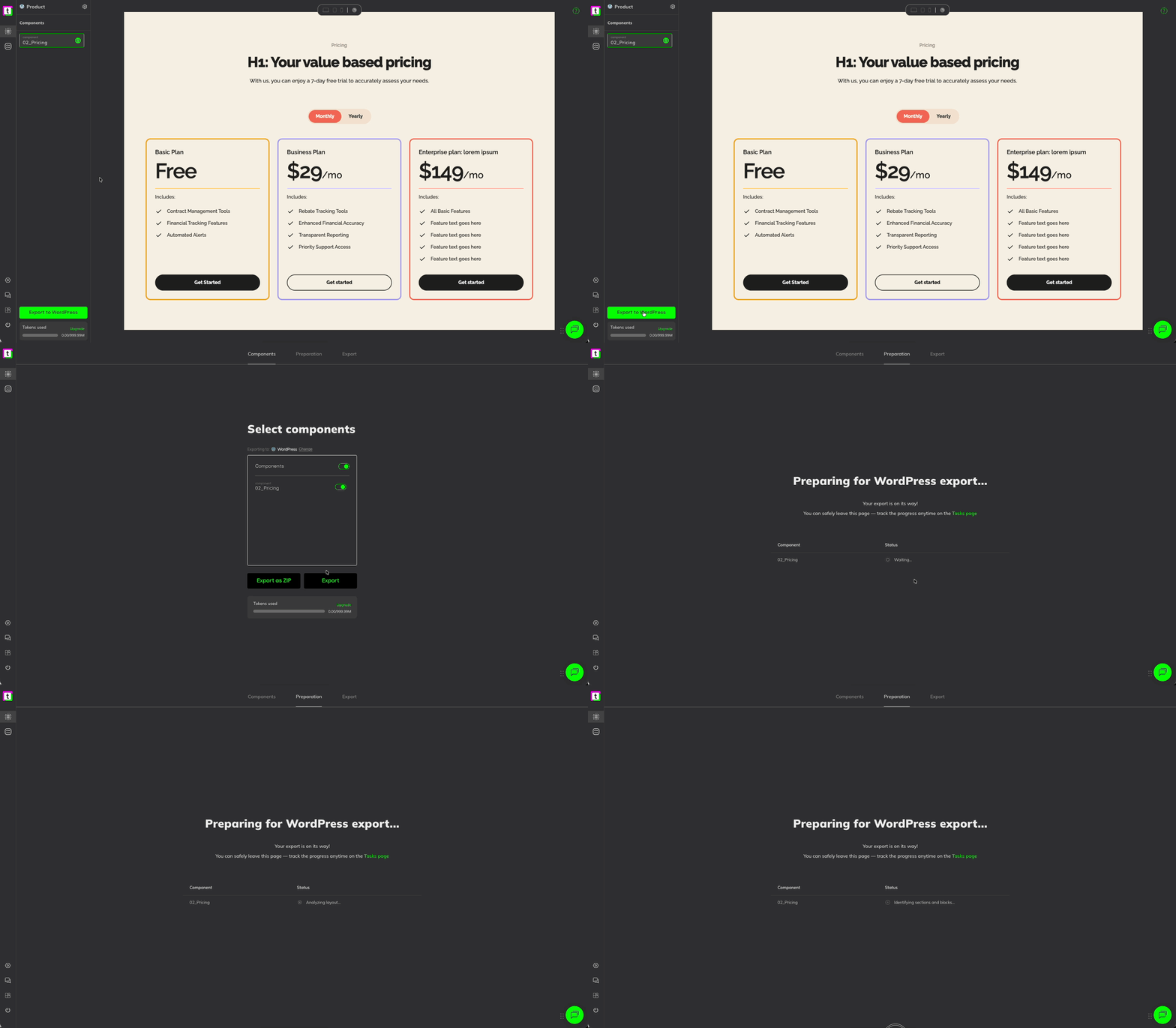
Click "Export." in the transjt app: transjt packages your design into a complete WordPress theme folder ready for upload to your site or as direct integration with the native plugin for WordPress.

Why Use transjt for
Figma to WordPress?

17x Faster Deployment

Skip the tedious slicing and coding. Import your Figma design, and let our AI generate your theme files instantly. What used to take a week now takes an afternoon.

Native Logic Integration

Beyond just exporting pixels, transjt automatically transforms your static designs into functional WordPress ecosystems by mapping Figma layouts to the native WordPress blog loop and converting design elements into fully operational forms without any manual configuration.

Custom WordPress Themes

Forget "site builders" that lock you into proprietary platforms or bloated plugins. transjt generates a native, standalone WordPress theme architecture. You get a complete, professional theme folder that gives you 100% ownership, zero platform lock-in, and the freedom to host your site anywhere.

Massive Time Savings

Reclaim your work week. By eliminating the manual "handoff" and the hundreds of hours spent translating designs into code, transjt allows you to move from a finished Figma file to a live WordPress environment in minutes. What used to take 40 hours now takes less than 3.
Start for free

FAQs

Figma to WordPress with AI

Not at all. transjt handles the heavy lifting. However, the code we produce is clean enough that any developer can easily jump in and add custom functionality or polish CSS.

Ready to launch your next WordPress project?

Join designers, developers, agencies and enterprises who have reclaimed their time with transjt.

Start for free