Native Figma Integration
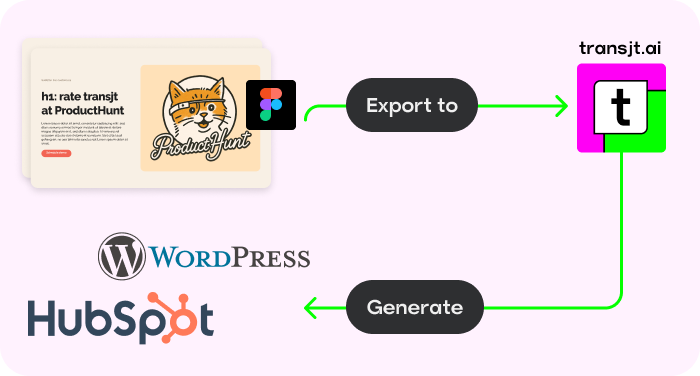
transjt.ai and Yotako both use AI to automate the conversion of Figma designs into functional WordPress sites, drastically cutting development time. However, their strengths cater to different workflows.
While one focuses on deep native logic and theme creation, the other excels at high-speed conversions across multiple design formats and platforms.
In short, Yotako is the right tool for designers and makers looking to quickly turn Figma or Adobe XD layouts into functional WordPress websites with minimal friction. It focuses on high-speed conversion and ease of use, making it ideal for those who want to publish their designs as live sites or themes without worrying about complex naming conventions or tagging.
Consider transjt.ai as an alternative to Yotako if you need a more advanced solution for deep ecosystem integration, particularly across both WordPress and HubSpot. Beyond simple conversion, transjt.ai excels at generating clean, Production-Readiness code and native CMS logic—such as custom themes, automated responsive layouts, and complex form integrations—giving developers and marketers more granular control over the final product.
| Feature | transjt.ai | Yotako |
|---|---|---|
| Ease of use | Intuitive UI and approach; fast onboarding with self-onboarding and no learning curve. Ideal for non-technical users. | Crisp interface but geared more toward developers; Needs manual integration of components |
| Production Readyness | Yes. transjt.ai creates components and integrates them into the WordPress environment. | Developers need to add additional semantic logic. |
| Semantic Integration | Automatically adds semantic logic to each designed Figma component in WordPress. | User has to add semantic logic by tagging or manual programming |
| Design Fidelity | Very high. transjt.ai creates almost 90% perfect designs with integrated semantic logic for components like sliders, buttons, etc... | Developers need to add semantic logic manually. |
| Animation library | transjt.ai automatically adds animations to components. | Developers need to add animations |
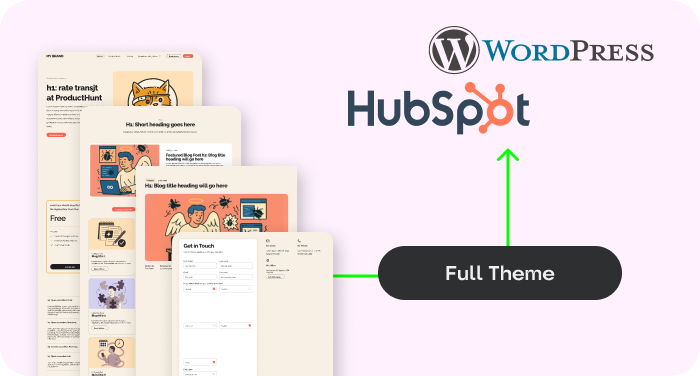
| Multi-Platform | Yes. transjt integrates with WordPress and HubSpot CMS | Integrates only with WordPress |
| Design and templates | Yes. Creates custom Theme for WordPress | Creates custom Theme for WordPress |
| Editing capabilities | Components can be edited inside WordPress easily | Components can be edited inside WordPress |
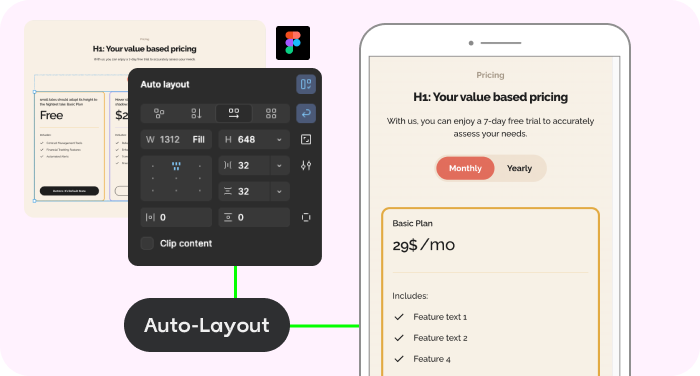
| Responsiveness | Yes. Creates responsive layouts based on the Figma Auto-Layout configuration and improves them with AI. | Uses native Figma auto layout function without AI improvement |
| Automatically Tags Elements? |
Yes. The AI automatically recognizes buttons and other UI elements | No. Needs manual tagging |
| Figma Plugin | Yes. Can be downloaded directly from the Figma Community | Available in Figma Community |
| In-Plugin Layout Enhancement | Coming Soon | No, but analyzes the layout and design |
| Native Form Integration | Yes. transjt integrates the form with CF7 Plugin and can create complex multi-step forms from Figma layouts. | Forms can be tagged in the plugin. |
| Creates Responsive Layouts with Breakpoints? | Yes. transjt.ai automatically generates all required breakpoints. | No, requires designed layouts for Tablet and Mobile |
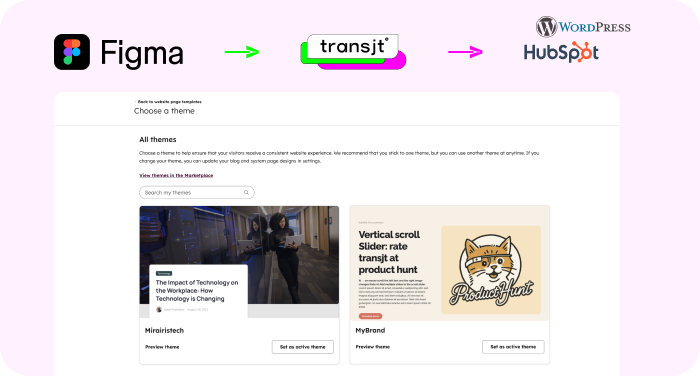
| Native WordPress Plugin | Yes. transjt provides a native WordPress plugin which synchronizes the designs | Yotako provides a plugin with similar functionality like the Figma plugin |
| Semantic creation of Blog Listing and Blog Detail Pages | Yes. transjt creates automatically the logic behind a blog listing page and blog detail pages. | No functionality available |
Both Yotako and transjt.ai allow you to generate live WordPress sites from Figma designs. However, the speed of your "design-to-live" workflow depends on how each tool processes your layout.
With transjt.ai, I noticed the setup for a full WordPress theme takes a bit longer upfront. This is because the platform focuses on generating clean, native code and deep CMS logic—ensuring every section is editable within the WordPress dashboard. If you're doing multiple rounds of structural edits, this technical "heavy lifting" can add up in terms of processing time.
In contrast, Yotako uses a conversion-first approach that generates live previews much faster. It’s designed for high-speed deployment, allowing you to move from Figma to a functional URL in minutes. While it may offer less granular control over backend theme logic than transjt.ai, it excels at rapid turnaround for designers who need to see their work live immediately.
From here, I can finalize the site and launch it to a live environment in just a few clicks. Yotako is clearly the superior choice if your goal is to quickly visualize your Figma designs as functional WordPress pages without getting bogged down in technical configuration.
Meanwhile, transjt.ai's code-centric approach makes it the better option for building scalable, production-ready WordPress themes. Its ability to generate clean, native PHP and CSS—along with its specialized support for the HubSpot ecosystem—ensures that the final site is developer-friendly and ready for complex integrations.
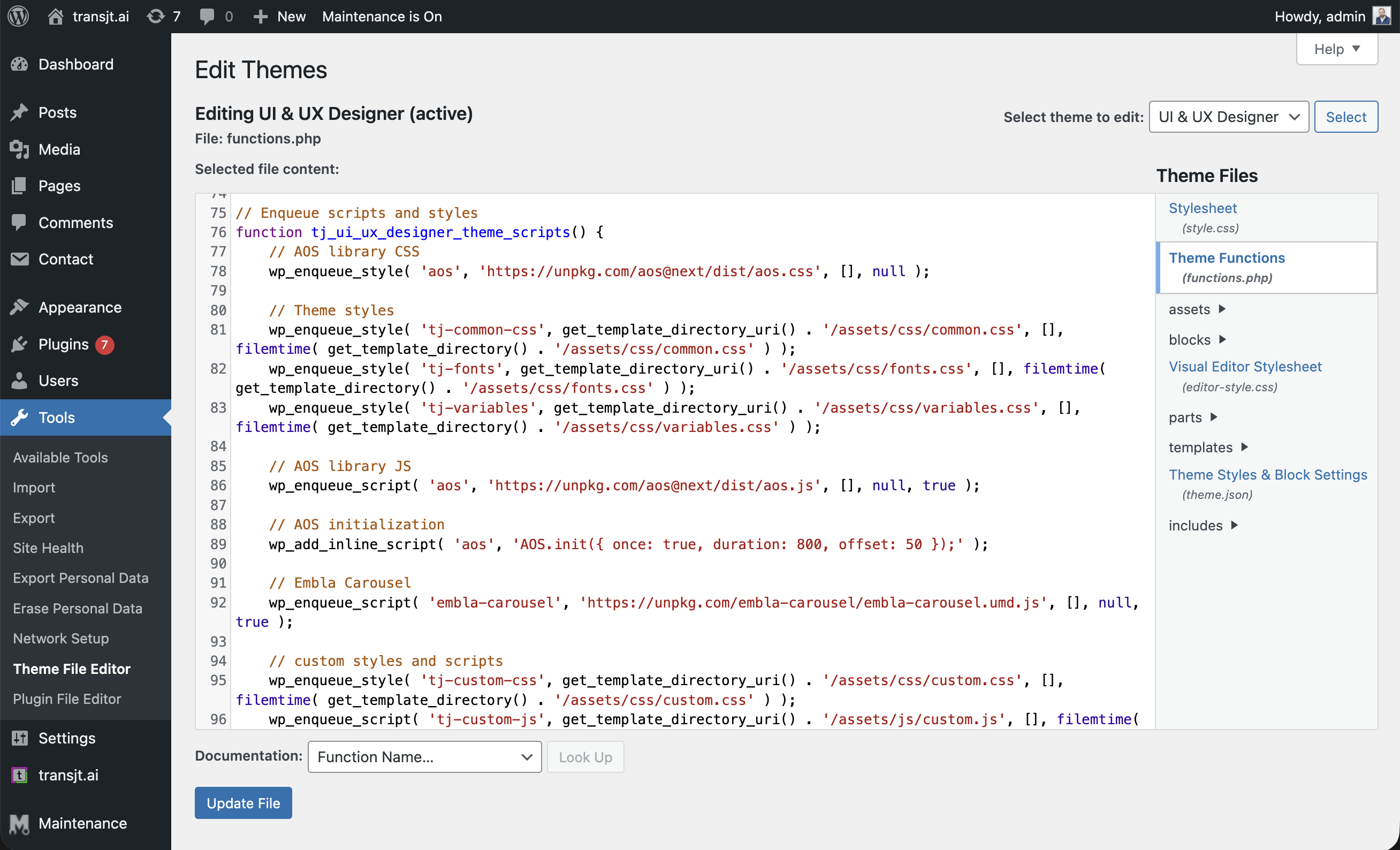
Here is an example of the clean, organized theme structure transjt.ai generates to ensure WordPress compatibility:
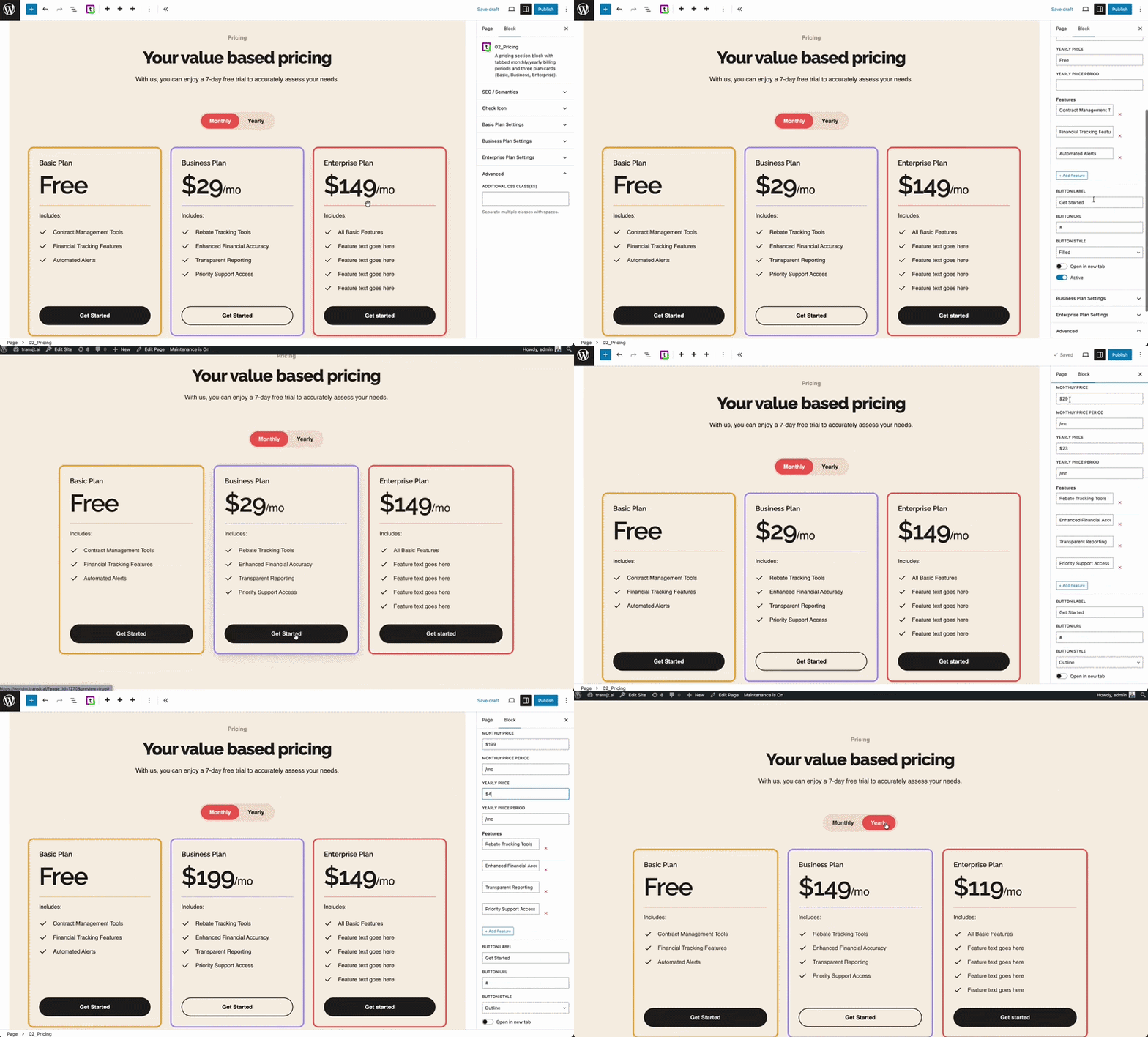
transjt.ai understands your designs and creates semantic, production-ready components that can be used to create different pages. The components transjt.ai integrates include:
We’d seen plenty of tools promise magic for page and theme creation, but they always under-delivered. Transjt proved to be the exception. Their platform made the transition from a complex Figma file to a HubSpot theme fast and accurate, while their team provided timely and outstanding support whenever we needed assistance. Without them, it would have taken longer and cost us significantly more to handle in-house. They turned a complex project into a smooth success.
Fast support, delivered on what they promised
None
You can save up to 90% of time by using transjt.ai to convert your hand crafted Figma designs to WordPress CMS.
No. transjt handles the complex PHP, HTML, CSS, and JavaScript generation for you. You can export a design from Figma and have it live on your WordPress website without writing a single line of code.
For best results, we recommend using Figma’s Auto-Layout. If your file is unorganized, our AI will still attempt to convert it, but "clean" designs produce the "cleanest" code and save you a bunch of time afterward.
Join designers, developers, agencies and enterprises who have reclaimed their time with transjt.