















Figma Logo – Figma to HubSpot or WordPress
WordPress CMS Logo – Figma to WordPress CMS

transjt.ai vs. UIChemy:
Which AI tool is right for your Figma-to-WordPress workflow?

Both transjt.ai and UIChemy utilize AI to bridge the massive gap between static Figma designs and functional WordPress websites. However, they serve entirely different goals in the development pipeline. One is built to generate independent, professional-grade code architectures, while the other functions as a companion converter for popular front-end page builders.

If your priority is clean, lightweight, platform-independent code, or if you manage ecosystem integrations across multiple platforms, transjt.ai is engineered specifically for you. If you are looking to quickly turn a Figma layer into basic visual elements for Elementor, Gutenberg blocks, or Bricks, UIChemy offers a direct visual conversion.

Start for free
Trusted by:
vendortell-3
sparkforce
tier-one
learnslice
orixcom
merritt
poscash
md market design
worky
qxo
sweep
traceair
Remotelock
nexapp
travelnest-1
america AA-1

Key Differences Between transjt.ai and UIChemy

In short, UIChemy is a front-end layout converter. It maps your static Figma frames directly into editable sections for page builders like Elementor or Bricks. It is a solid choice for visual designers who want to quickly build basic visual pages and handle all their backend logic manually afterward.

You should consider transjt.ai if you need a scalable, agency-grade solution that creates native WordPress theme files (PHP/CSS) from scratch—completely free of page builder weight. Beyond just translating pixels, transjt.ai uses deep semantic AI to build live CMS architecture, such as dynamic database loops for blogs, complex multi-step form validation, and multi-platform support across both WordPress and HubSpot.

Feature transjt.ai UIChemy
Core Output Standalone Native Themes (Clean PHP/CSS) Page Builder Modules (Elementor, Bricks, Gutenberg)
Production-Readiness High. Generates lightweight code matching enterprise frontend standards; instantly ready to host. Partial. Fast visual output, but developers must clean up nested rows and unmapped tags.
Semantic AI Integration Automated. Instantly maps and creates backend architecture for sliders, dynamic blog grids, and menus. Manual / Rule-Based. Relies on users precisely tagging and renaming layers in Figma before converting.
Animation Library Automated. Automatically infuses interaction transitions directly into UI components. Manual. Requires configuring motion effects inside the respective WP page builder after import.
Editing Interface Native WordPress (Gutenberg) or direct code; Zero platform lock-in. Restricted to the chosen page builder workspace (e.g., Elementor dashboard).
Site Performance & Speed Ultra-Fast. Zero builder weight, resulting in clean code optimized for Core Web Vitals. Variable. Inherits the technical overhead, scripts, and weight of the active page builder.
Dynamic Blog Creation Yes. Automatically builds the system queries behind listing loops and detail pages. No. Converts the visual layout only; dynamic data loops must be mapped manually in WP.
Native Form Integration Integrates complex multi-step forms cleanly with native standards (e.g., Contact Form 7). Converts visual inputs to basic form widgets; requires manual handler setup.
Multi-CMS Support Yes. Supports both WordPress and HubSpot CMS ecosystems uniformly. No. Exclusive to the WordPress environment.
Open in Figma
preview-transjt
Production-Readiness

Developer-Friendly Themes vs. Builder Ingestion

The structural code difference between these two platforms is immense. UIChemy acts as a visual bridge. It takes a Figma structure and translates it into rows, columns, and widgets for Elementor or Bricks. While convenient for quick builds, the resulting site relies heavily on third-party design scripts and nested container divs.

transjt.ai bypasses the page builder entirely. It writes production-grade theme code just like a senior human developer would. The output is a zipped, completely independent WordPress theme folder that belongs 100% to you. It loads incredibly fast, is highly secure, and is entirely free of page-builder dependencies.

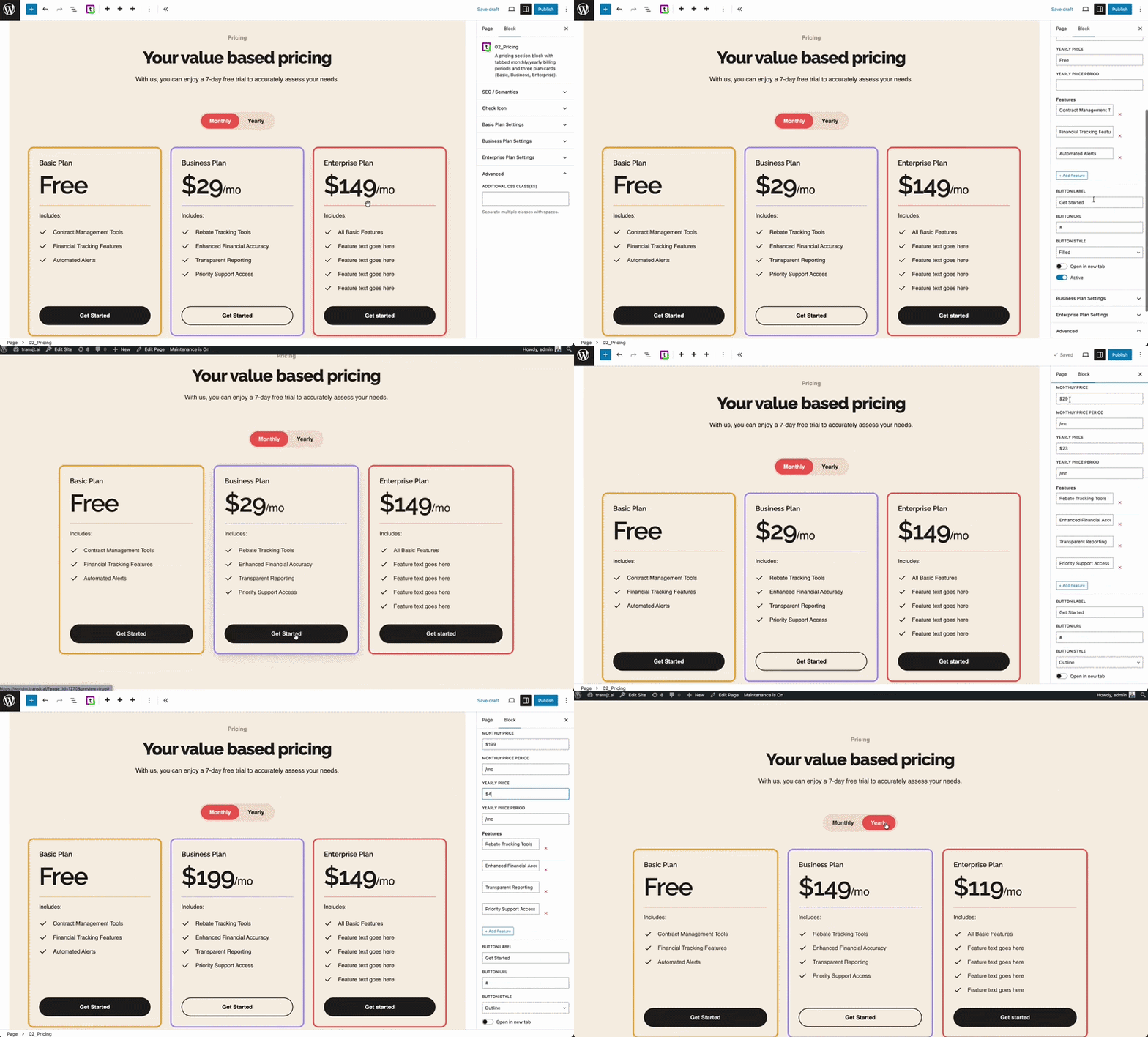
tr-figma-to-wordpreess-converter-pricing-module
Semantic Integration

True Semantic Intelligence vs. Strict Tagging Guidelines

With UIChemy, the burden of organization falls on the designer. To achieve a clean conversion, you must strictly follow their manual layer-naming rules and tag elements one-by-one inside their Figma plugin before processing. If your file is messy, the conversion will break.

transjt.ai features an AI layer that reads your design semantically. It analyzes the visual structure of your canvas to automatically identify a navbar, a testimonial slider, an accordion grid, or a pricing layout. It writes the functional logic automatically, saving hours of tedious file prepping inside Figma.

The Gap Between Design and
Development is Over

Traditionally, turning a Figma design into a native WordPress theme meant 80+ hours of manual coding, dealing with "bloated" page builders, or losing design fidelity during the handoff.
transjt.ai uses advanced AI to bridge that gap and create production-ready websites.
Open in Figma
Workflow

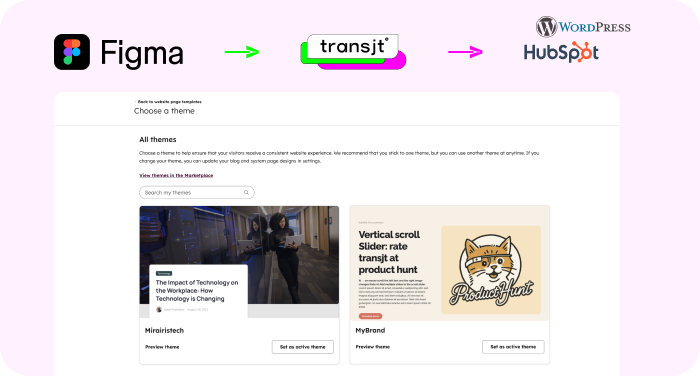
Native Figma Integration

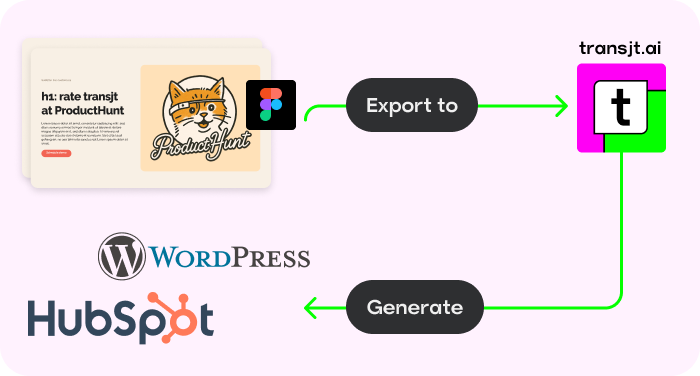
Stay in your creative flow. Activate the transjt plugin directly inside Figma to sync designs and generate code without ever leaving your canvas.
Native Figma Integration
Versatility

Build Complete Sites, Blogs and Forms

Don't stop at single pages. Create entire websites, high-converting landing pages, blogs, and functional forms with zero limitations.
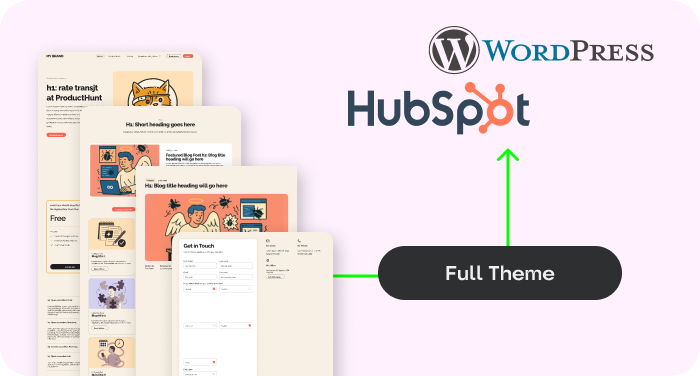
HubSpot Wordpress Theme
Automation

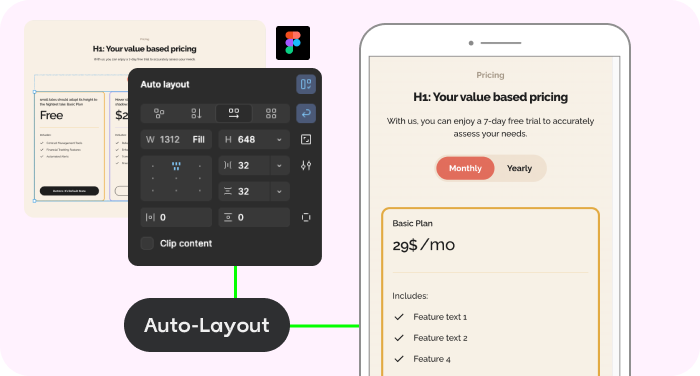
AI Auto-Responsive Layouts

Forget media queries. Our AI automatically adapts your layout to mobile, tablet, and desktop, ensuring a flawless experience everywhere.
Figma Auto-layout
Scalability

Custom Themes

Convert designs into dynamic HubSpot themes with reusable components, giving you the power to build and scale pages independently.
figma-transjt-wordpress-hubspot
Versatile

Works with other Tools

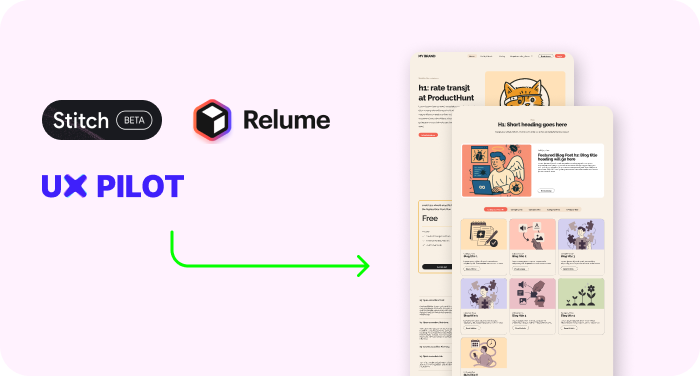
Use transjt.ai with Google Stitch, Relume, or UX Pilot to create AI-generated Figma designs and seamlessly export them directly into WordPress CMS.
tools ux pilot, relume, stitch

Calculate your time savings:
How many components did you design in Figma?

10
Sign Up Now

With transjt you:

... save time: 40h*
... save money: $3,560
... have a happy client: 100%
*Approximate estimate of your time and money savings

Why Choose transjt.ai?

17x Faster Deployment

Skip the tedious slicing and coding. Import your Figma design, and let our AI generate your theme files instantly. What used to take a week now takes an afternoon.

Native Logic Integration

Beyond just exporting pixels, transjt.ai automatically transforms your static designs into functional WordPress ecosystems by mapping Figma layouts to the native WordPress blog loop and converting design elements into fully operational forms without any manual configuration.

Custom WordPress Themes

Forget "site builders" that lock you into proprietary platforms or bloated plugins. transjt generates a native, standalone WordPress theme architecture. You get a complete, professional theme folder that gives you 100% ownership, zero platform lock-in, and the freedom to host your site anywhere.

Massive Time Savings

Reclaim your work week. By eliminating the manual "handoff" and the hundreds of hours spent translating designs into code, transjt.ai allows you to move from a finished Figma file to a live WordPress environment in minutes. What used to take 40 hours now takes less than 3.
Start for free

FAQs

Figma to WordPress with AI

No. transjt.ai completely replaces the manual slicing and coding phase. It generates all the complex PHP, HTML, CSS, and JS behind the scenes automatically, giving non-technical teams developer-quality themes instantly.

Ready to launch your next WordPress project with AI?

Join designers, developers, agencies and enterprises who have reclaimed their time with transjt.

Start for free