Figma Logo – Figma to HubSpot or WordPress
WordPress CMS Logo – Figma to WordPress CMS

transjt.ai vs. FigWP:
Which tool is better for your Figma-to-WordPress workflow?

Both transjt.ai and FigWP are built to bridge the gap between design and development, drastically cutting down project turnaround times. However, their underlying architectures and core philosophies cater to entirely different development workflows.

While one focuses on copying layout structures into popular visual page builders, the other excels at generating deep CMS logic and clean, production-ready native code.

Start for free
Trusted by:
vendortell-3
sparkforce
tier-one
learnslice
orixcom
merritt
poscash
md market design
worky
qxo
sweep
traceair
Remotelock
nexapp
travelnest-1
america AA-1

Key Differences Between transjt.ai and FigWP

In short, FigWP is the right tool if your workflow relies heavily on visual page builders and you want to quickly move layout blocks into Elementor using a copy-and-paste JSON workflow.

You should consider transjt.ai if you need a scalable, professional website free of heavy page-builder code. Instead of forcing design elements into restrictive builder containers, transjt.ai generates native theme files (clean PHP and CSS), complex database mapping (like automated dynamic blog loops), and multi-platform compatibility across both WordPress and HubSpot.

Feature transjt.ai FigWP
Technical Approach Generates standalone native themes (Clean PHP/CSS) Converts designs into Elementor blocks and widgets
Production-Readiness Yes. Generates clean, lightweight, production-ready code with integrated native logic right away. Partial. Layouts transfer instantly, but developers must manually clean up redundant containers and configure backend connections.
Semantic Integration Automated. AI automatically maps and tags static Figma layouts to native WordPress loops, menus, and dynamic structures. Manual. Requires strict layer-naming conventions in Figma (following FigWP guidelines) to translate to basic Elementor widgets.
Animation Library Automated. Automatically injects interactive and smooth animations directly into corresponding UI elements. Manual Setup. Users must apply motion effects manually using Elementor's native drag-and-drop widget settings after import.
Editing Flexibility Easily editable via native Gutenberg or direct code Editable exclusively within the Elementor builder interface
Site Performance Ultra-Fast. Zero builder dependencies, zero bloatware Variable. Dependent on Elementor's resource overhead
Dynamic CMS Logic Yes. Automatically builds blog listing and detail loops No. Requires manual template configuration in WP
Native Form Integration Creates complex, multi-step forms (e.g., CF7 mapping) Map elements to standard builder form widgets
Responsiveness AI-Enhanced. Layouts optimized automatically by AI Basic. Relies strictly on Figma Auto-Layout rules
Multi-Platform Support Yes. Integrates seamlessly with WordPress and HubSpot No. Exclusive to the WordPress ecosystem
Code Ownership 100% Autonomous. Download a clean, restriction-free theme folder Bound to the lifetime and license of the builder plugin
Open in Figma
preview-transjt
Production-Readiness

Scalable Themes vs. Visual Prototypes

When it comes to launching a final product, the definition of "ready" looks different for both tools. FigWP excels at high-speed visual staging. It takes a Figma frame and turns it into an Elementor page within minutes. However, because it maps design objects directly into a page builder, the resulting backend structure often requires manual optimization, asset cleanup, and container adjustments by a developer before going live.

Conversely, transjt.ai is built for production from day one. It skips visual builders entirely to produce raw, high-performance PHP and CSS files. The output mirrors the exact file architecture a seasoned developer would create by hand, making it immediately ready for enterprise environments, high-traffic scaling, and strict SEO compliance.


transjt-ai-wordpress-clean-code
Semantic Integration

Machine Intelligence vs. Manual Layer Naming

To make a static design work like a real website, a tool needs to understand what it's looking at. FigWP forces you to follow rigid design guidelines and strict text-naming conventions within your Figma layers before you export. If a frame isn't named perfectly according to their blueprint, the Elementor widget translation can break.

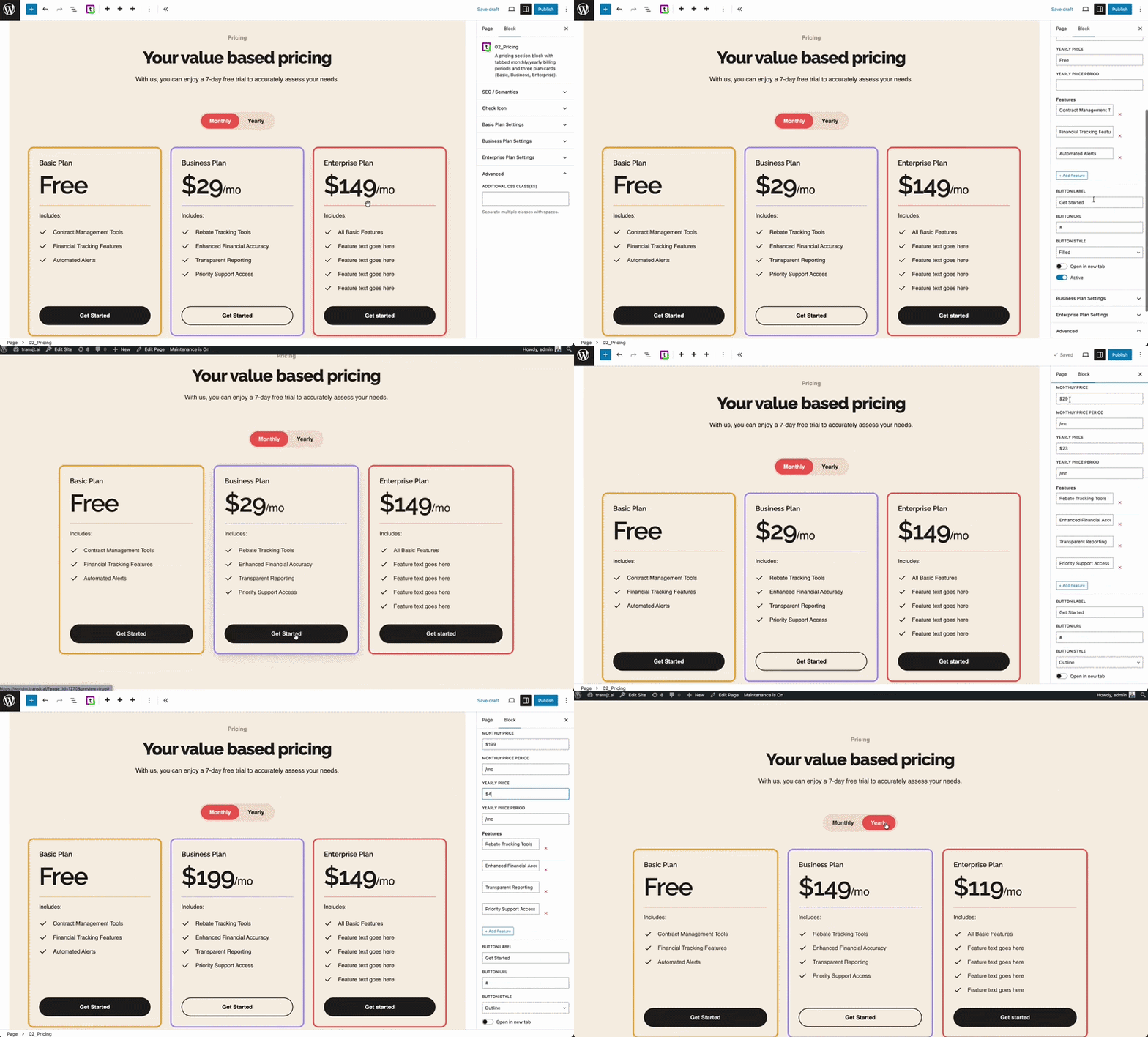
transjt.ai offloads this mental math to artificial intelligence. Our AI reads your canvas layout semantically—automatically recognizing an accordion, a navigation bar, a logo carousel, or a multi-step form. It maps these elements to native WordPress core structures instantly, eliminating the tedious pre-setup work inside Figma.

tr-figma-to-wordpreess-converter-pricing-module
Interactive Motion

Automated UI Polish vs. Manual Elementor Tweaks

Animations give a web interface its premium feel, but converting them from design to development can be exhausting. FigWP focuses purely on layout translation; once your elements arrive in Elementor as static structures, you have to manually open up Elementor’s motion settings tab to assign entrance effects, hover state changes, or scrolling animations one widget at a time.
transjt.ai handles interactive motion programmatically. It automatically pairs functional animations with your interface components during the export loop. Buttons, modals, and dropdown transitions are built directly into the generated code, giving you a fluid user experience natively without adding a mountain of third-party animation script packages.

The Gap Between Design and
Development is Over

Traditionally, turning a Figma design into a native WordPress theme meant 80+ hours of manual coding, dealing with "bloated" page builders, or losing design fidelity during the handoff.
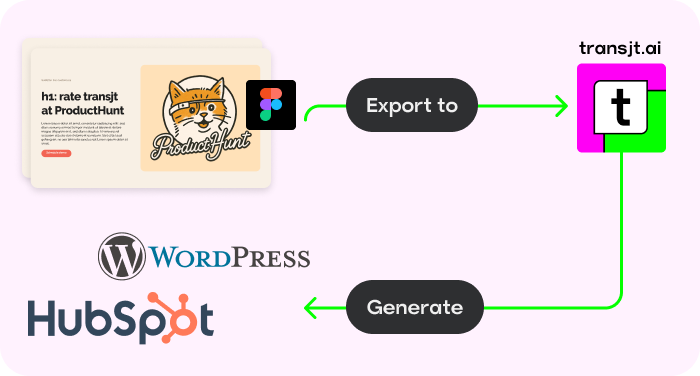
transjt.ai uses advanced AI to bridge that gap and create production-ready websites.
Open in Figma
Workflow

Native Figma Integration

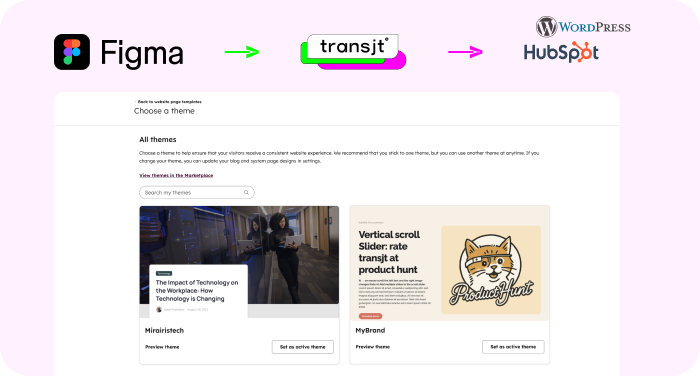
Stay in your creative flow. Activate the transjt plugin directly inside Figma to sync designs and generate code without ever leaving your canvas.
Native Figma Integration
Versatility

Build Complete Sites, Blogs and Forms

Don't stop at single pages. Create entire websites, high-converting landing pages, blogs, and functional forms with zero limitations.
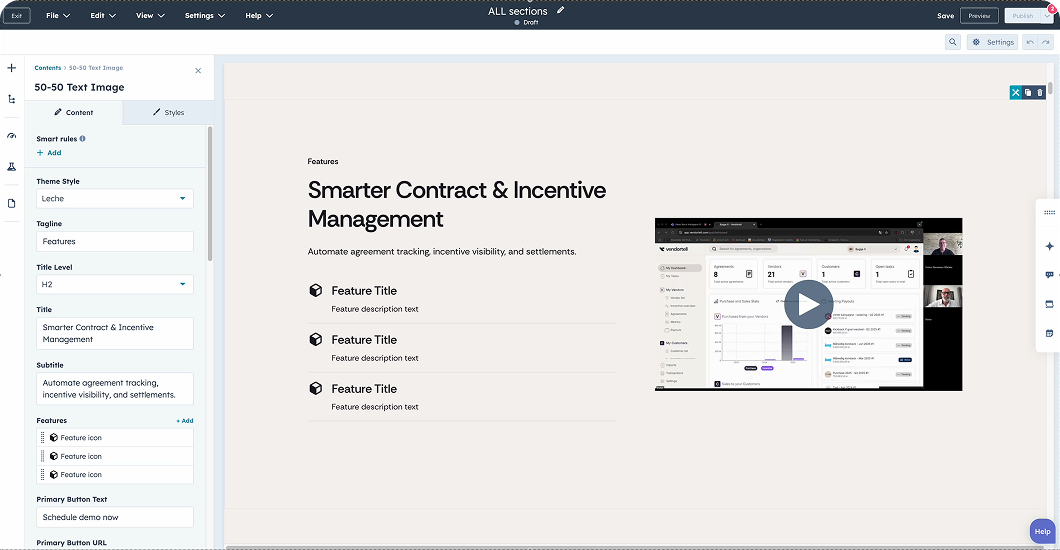
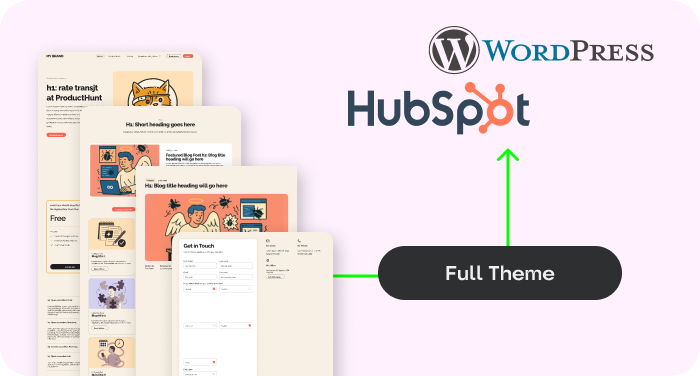
HubSpot Wordpress Theme
Automation

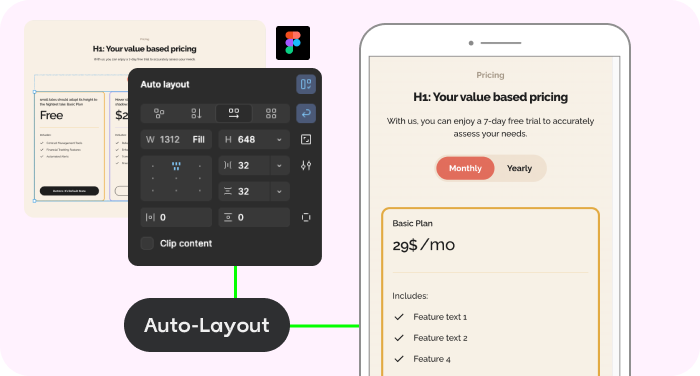
AI Auto-Responsive Layouts

Forget media queries. Our AI automatically adapts your layout to mobile, tablet, and desktop, ensuring a flawless experience everywhere.
Figma Auto-layout
Scalability

Custom Themes

Convert designs into dynamic HubSpot themes with reusable components, giving you the power to build and scale pages independently.
figma-transjt-wordpress-hubspot
Versatile

Works with other Tools

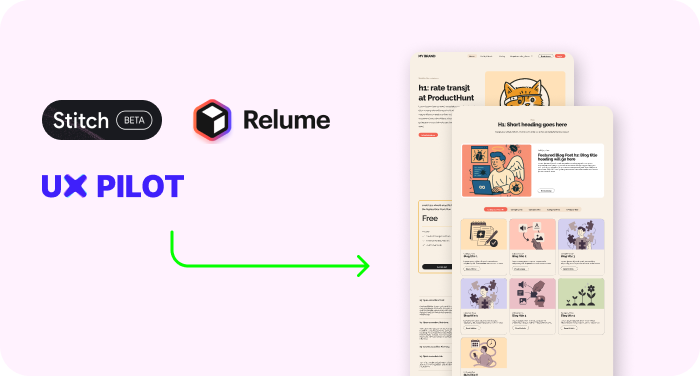
Use transjt.ai with Google Stitch, Relume, or UX Pilot to create AI-generated Figma designs and seamlessly export them directly into WordPress CMS.
tools ux pilot, relume, stitch

Calculate your time savings:
How many components did you design in Figma?

10
Sign Up Now

With transjt you:

... save time: 40h*
... save money: $3,560
... have a happy client: 100%
*Approximate estimate of your time and money savings

Why Choose transjt.ai?

17x Faster Deployment

Skip the tedious slicing and coding. Import your Figma design, and let our AI generate your theme files instantly. What used to take a week now takes an afternoon.

Native Logic Integration

Beyond just exporting pixels, transjt.ai automatically transforms your static designs into functional WordPress ecosystems by mapping Figma layouts to the native WordPress blog loop and converting design elements into fully operational forms without any manual configuration.

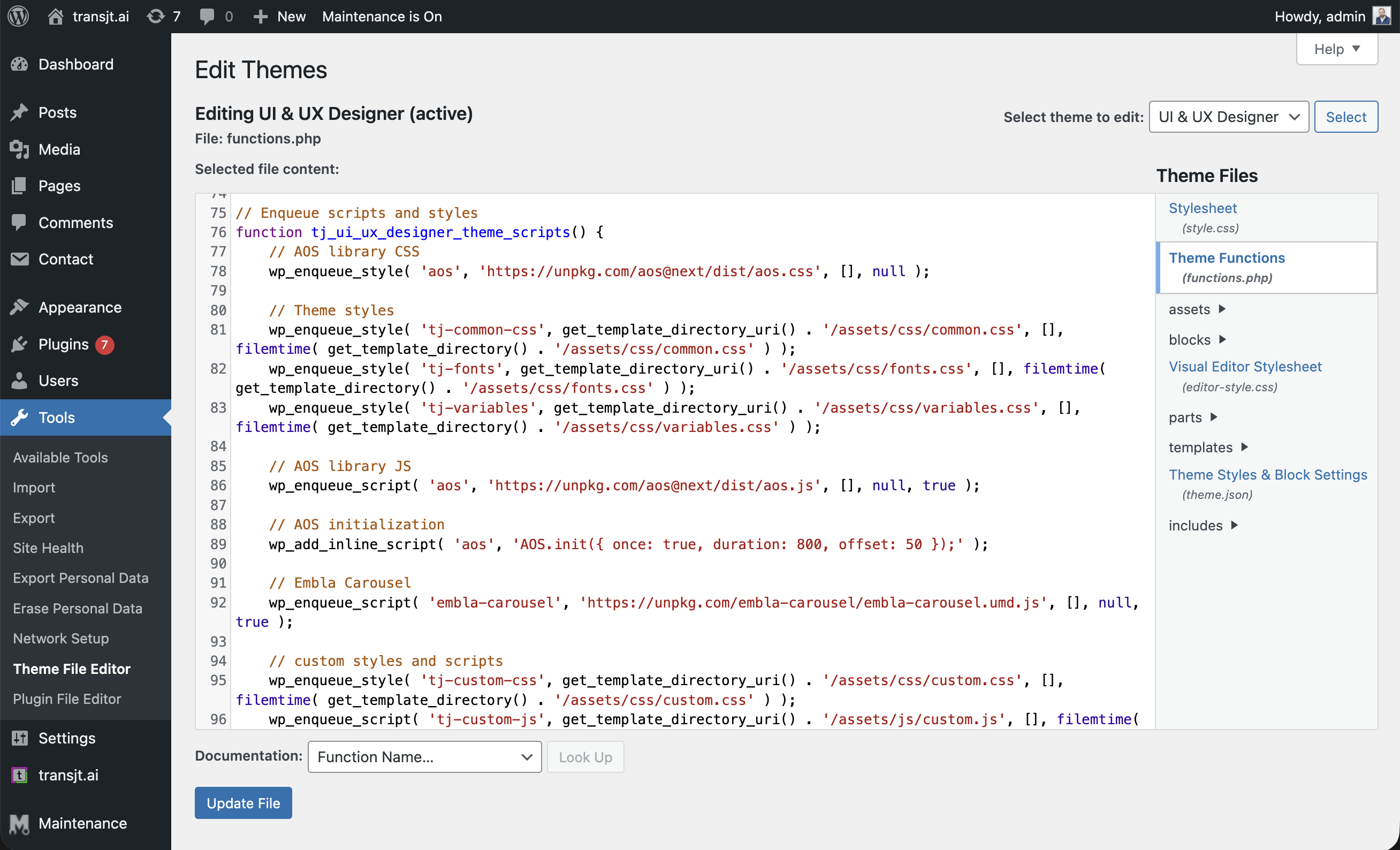
Custom WordPress Themes

Forget "site builders" that lock you into proprietary platforms or bloated plugins. transjt generates a native, standalone WordPress theme architecture. You get a complete, professional theme folder that gives you 100% ownership, zero platform lock-in, and the freedom to host your site anywhere.

Massive Time Savings

Reclaim your work week. By eliminating the manual "handoff" and the hundreds of hours spent translating designs into code, transjt.ai allows you to move from a finished Figma file to a live WordPress environment in minutes. What used to take 40 hours now takes less than 3.
Start for free

FAQs

Figma to WordPress with AI

Not at all. transjt.ai takes care of the intricate PHP, HTML, CSS, and JavaScript generation behind the scenes. You get developer-level code structure without ever touching a code editor.

Ready to launch your next WordPress project with AI?

Join designers, developers, agencies and enterprises who have reclaimed their time with transjt.

Start for free